July 5, 2026 remote dev agentic
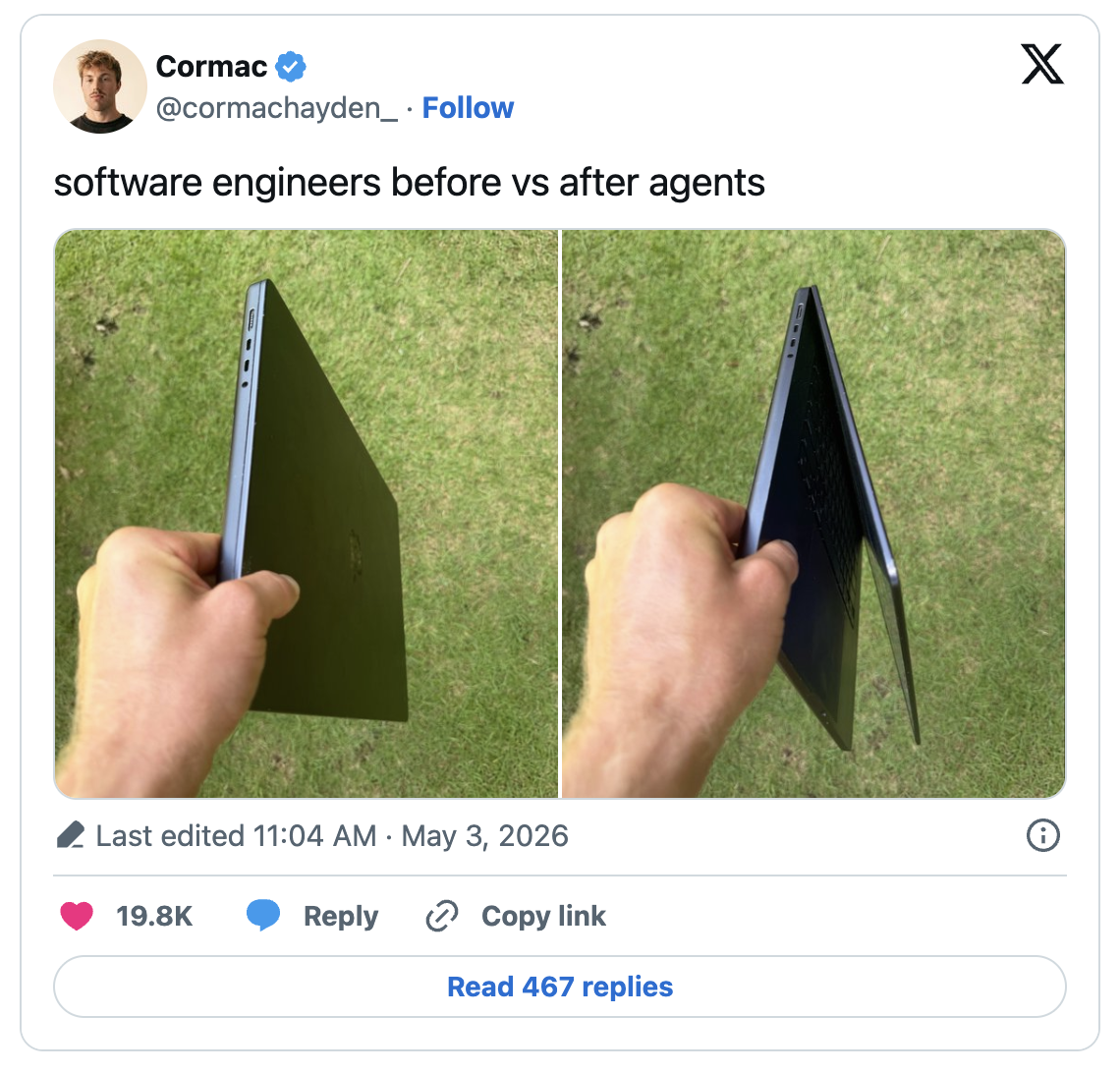
Every era has its own set of challenges. Agentic coding solved a lot of problems for us software engineers, but it introduced a unique one: we can’t close our laptop because our agent loop is running. To fix that, and to pick up a few other DevEx improvements along the way, I’m trying out this setup.
Why remote dev server?
- When my environment lives on one server instead of on whichever laptop I happen to be holding, I stop thinking about “which machine has that” and just work. The dependencies are installed once. The environment is set once. It doesn’t matter if I’m on my personal laptop, a work machine, an iPad, my phone, or something borrowed for the week.
- Once I started using AI coding agents regularly, I realized they work best when you let them run: chugging through a refactor, working through a test suite, iterating on a bug fix over several minutes or hours. I didn’t want that tied to my laptop’s battery, or to how long I was willing to leave it open on a cafe table. With a remote server, I kick off an agent, close my laptop, and check back later from whatever device is closest to hand.
- Since the code is already running on a server, sharing a demo is much simpler. If I have a pet project, I can expose it quickly and send someone a URL. No deployment pipeline or struggling to replicate your local dev setup in a server.
- Most of the time I do not need a huge machine. But occasionally it is useful to have more CPU or memory for builds, tests, or heavier agent runs. I can start with something small, scale up when I need more, and scale back down when I am not using it. That flexibility is much nicer than buying one expensive laptop and pretending it is the right machine for every workload.
What do you need?
A Server
- At the core of this setup is a VPS you can SSH into. Any provider works. I use Hetzner because it is cheap, the pricing is straightforward, and the base tiers are good enough for this kind of workflow. You can get a usable VPS for around $7–$8 a month.
- For the OS, I run Debian, but honestly the choice comes down to familiarity more than anything technical. If you haven’t spent much time in Linux before, start with Ubuntu instead. It has a bigger footprint online, so most tutorials and package instructions are written with it in mind. That means less time spent translating commands.
- On top of the server itself, I run Tailscale. It creates a private network between all my devices and the server, so I can SSH in from my laptop, desktop, or phone without managing separate SSH keys for each one, and without opening ports to the public internet. Once it’s set up, connecting a new device takes a couple of minutes, and you never have to think about certificates or key rotation again.
Dev tools
The tools I rely on day to day are simple, and most of them are things you probably already know:
- tmux, running on the server, is what makes the whole thing feel seamless. Instead of a terminal session that dies the moment you disconnect, tmux keeps everything alive in the background. I can close my laptop mid task, come back an hour later from a different device, reattach to the same session, and pick up exactly where I left off, scrollback and all.
- A coding agent is the piece that changed how I work. I use OpenCode day to day, though Claude Code, Codex, or any similar tool will do the same job here. The point isn’t which one you pick, it’s that it lives on the server alongside tmux, so it can keep working even when you’re not actively watching it.
- For quick edits directly on the server, I keep nano or vim around. I’m not writing large features in these, just making small changes or reading through a file without needing to pull up a full editor.
- For the times I do want a proper editor, I use VS Code locally with the Remote SSH extension. It connects straight to the server, so the files, terminal, and extensions all behave as if the code were sitting on my own machine, even though nothing is actually stored locally.
- [optional] You can also run code-server on your server and open a full VS Code editor in the web browser on any device.
Hosting
- When I need to share something running on the server, whether that’s a web app I’m testing or a webhook endpoint, I reach for Cloudflare Tunnel. It exposes a local port to the internet without opening firewall rules or fiddling with DNS and certificates by hand. For usual demos and testing it’s hard to beat for how little setup it takes.
What the usual workflow looks like?
Most days, it looks like this:
- I SSH into the server, attach to my tmux session, and I am back where I left off.
- If an agent was running, I check what it did. Maybe I accept the change, maybe I nudge it in a different direction, maybe I run the tests myself and continue from there.
- For smaller things, I stay in the terminal. For larger edits or code review, I open VS Code with Remote SSH and work from my laptop as usual.
- When I want to show someone a demo, I start the app on the server, open a Cloudflare Tunnel, and send them the link.
- When I am done, I detach from tmux and close the laptop. The work keeps running on the server.
Is it worth it?
- If you regularly switch between devices, run long-lived processes, or use coding agents that benefit from working unattended, this setup pays for itself pretty quickly.
- It took me an afternoon to get it right the first time. After that, it became one of those boring pieces of infrastructure that quietly removes friction.
- If you mostly work from one machine and do not run long-lived tasks, this is probably overkill. A good local setup will serve you just fine.
- But if your laptop has slowly turned into a fragile command runner that you are afraid to close, moving the actual work to a remote server is worth trying.
P.S. I know how to keep my laptop running with the lid closed. Don’t flame me. This was supposed to be my attempt at humour.
P.P.S. Most of the tech used in my setup is pretty standard. But if you think a more detailed setup blog post will help you, please let me know.